
What a verified walkthrough proves that a demo video does not
A demo shows that a task can be done. A verified walkthrough shows that it was done, on a stated version, with the failed attempts still in the log.
Part of our guide to Product Video for Software Companies.
Most product videos are demonstrations. Someone who knows the product follows a path they rehearsed, in an environment they prepared, and the recording starts once everything already works. Nothing in that video is false, but it proves very little.
A verified walkthrough has to meet a higher standard, and the person who cares most about that is the one deciding whether to trust your product.
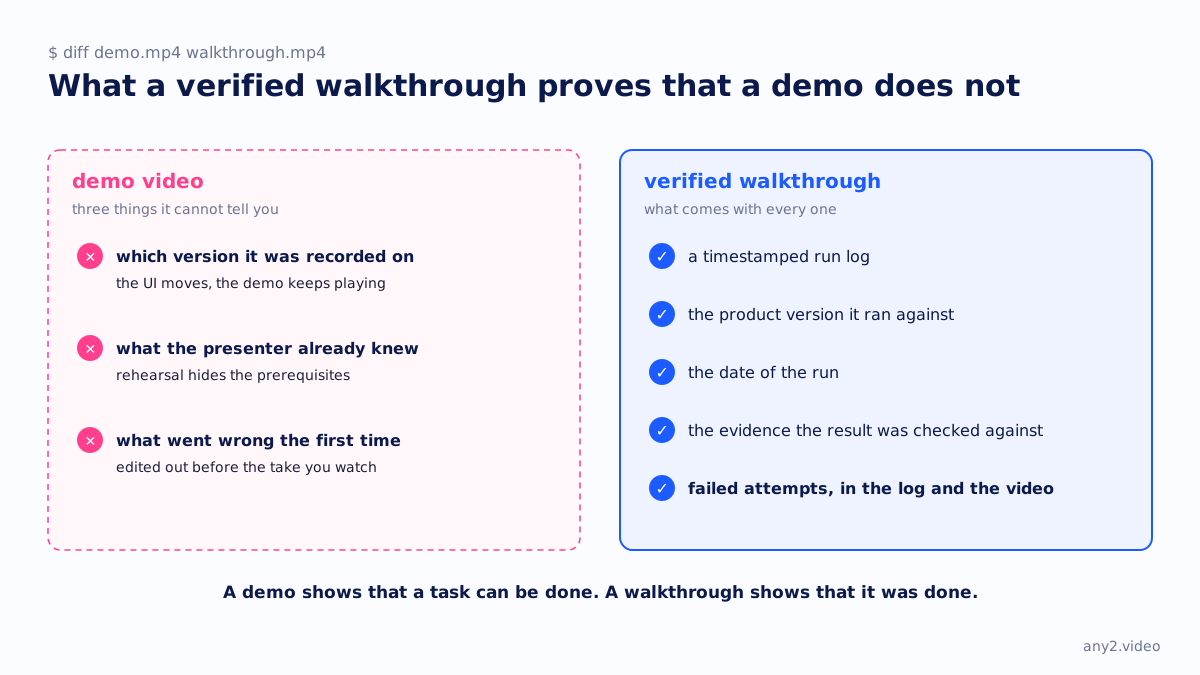
Three things a demo cannot tell you
- Which version it was recorded on. The UI moves and a menu gets renamed, and the demo keeps playing as though nothing changed.
- What the presenter already knew. Rehearsal hides the prerequisites, which is where evaluations tend to stall.
- What went wrong the first time. Whatever broke before the take you are watching was edited out, and your users will be searching for exactly that.
What we publish instead
Every walkthrough comes with a timestamped run log, the product version it ran against, the date of the run and the evidence the result was checked against. If the task failed twice before it worked, both attempts appear in the log and in the video.
People search for the failures in your documentation more than for any other part, so cutting them out removes what they came for.
Why the failures stay in
Look at what people type into a search box about your product. They rarely type "how to set up X". They type the error string, the step that did not work or the setting nobody documented. A walkthrough that includes the failure and its fix answers that search. A polished demo has nothing to say about it, so the answer ends up on a forum instead of your site.
There is a commercial reason as well. A prospect who watches an evaluation fail and then succeed learns that the product works and that you were willing to show the rough edge, and the second impression is much harder to fake.
Keeping it accurate after a release
A verification stops being current eventually. A video that was accurate in 3.1 can be wrong in 3.2 without anyone noticing, until a customer follows it and gets stuck. Each walkthrough carries a version tag, so the affected tasks re-run when you ship. A clean re-run gets republished. A failed one comes to you with its log, because it means your documentation just went out of date.
What to ask for
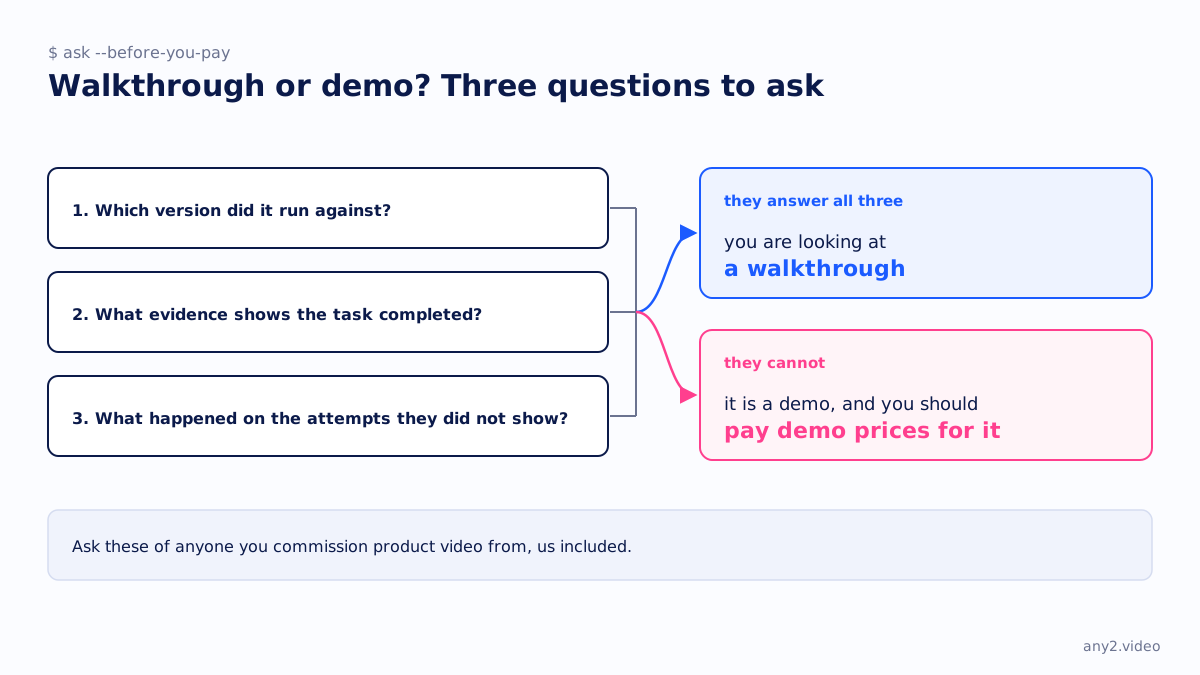
When you commission product video from anyone, us included, ask which version it ran against, what evidence shows the task completed, and what happened on the attempts they did not show. If they can answer all three, you are looking at a walkthrough. If they cannot, it is a demo, and you should pay demo prices for it.
Send one product and one task. First sample is free.
$ get-sample →