このページは機械翻訳されたもので、現在ネイティブスピーカーによる確認を進めており、正式な内容は英語版のページです: English
$ run --task "proxmox ve 9.2をインストール、すべての画面を解説"
→ any 2.video
# すべてのタスクを、動画に。
# 実際の製品をAIオペレーターが操作し、検証済みの実行を録画して、リリースごとに更新します。
[01:23] オペレーター ISOをダウンロードし、チェックサムを検証
[02:46] オペレーター ディスクを選択 · ext4 vs ZFS vs Btrfs
[04:59] オペレーター ネットワーク画面を項目ごとに
[06:04] オペレーター インストールして再起動
[06:35] ✓ 検証済み インストール時に設定したアドレスでWebインターフェースにアクセス可能
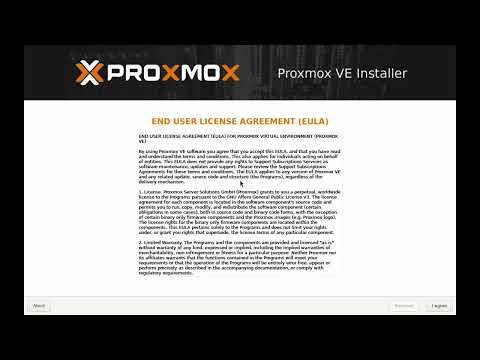 7:50
7:50
$ ls ./explainers — four short explainers from the @any2video channel
What any2.video is, and why companies need video
$ open youtube.com/@any2video →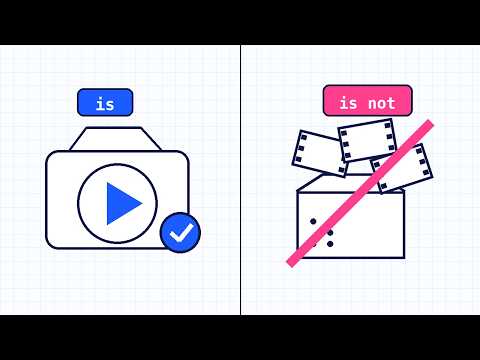
$ make --brand-video --free
Free AI video maker for brand videos
Describe your brand in a sentence, pick who it speaks to and a style, and download a 30 second brand video as an MP4. The AI writes the storyboard; no sign-up, and your logo never leaves your browser.
$ make my video, free →