本页为机器翻译,母语审校正在进行中,内容以英文版为准: English
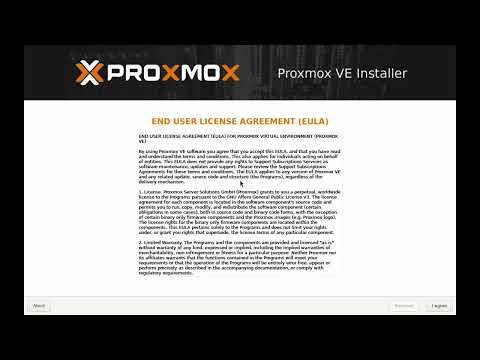
$ run --task "安装 proxmox ve 9.2,逐屏讲解"
→ any 2.video
# 每个任务,都是一段视频。
# 真实产品,由 AI 操作员实际操作,录自经验证的运行,每次发版都会更新。
[01:23] 操作员 下载 ISO,核对校验和
[02:46] 操作员 选择磁盘 · ext4、ZFS 还是 Btrfs
[04:59] 操作员 网络配置界面,逐项填写
[06:04] 操作员 安装并重启
[06:35] ✓ 已验证 通过安装时设置的地址可以访问 Web 界面
 7:50
7:50
$ ls ./explainers — four short explainers from the @any2video channel
What any2.video is, and why companies need video
$ open youtube.com/@any2video →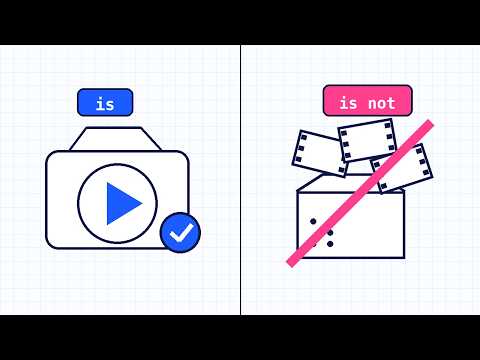

$ make --brand-video --free
Free AI video maker for brand videos
Describe your brand in a sentence, pick who it speaks to and a style, and download a 30 second brand video as an MP4. The AI writes the storyboard; no sign-up, and your logo never leaves your browser.
$ make my video, free →