Tool walkthroughs, from question to result
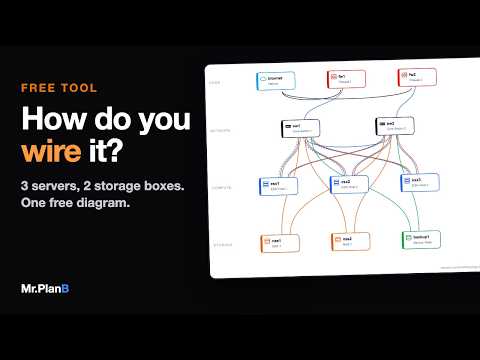
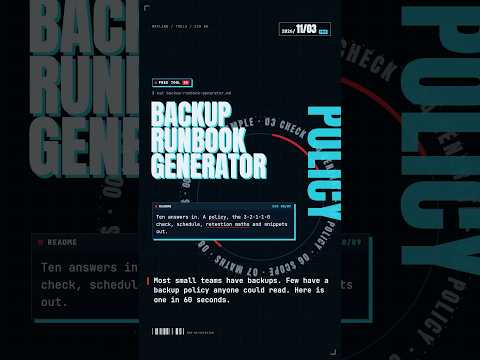
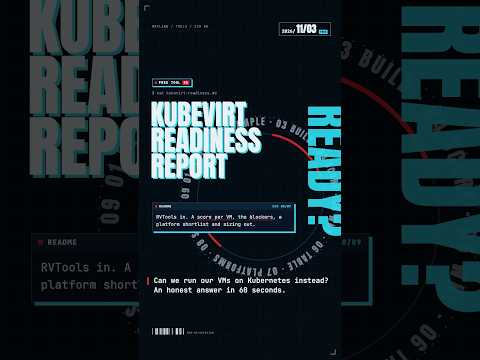
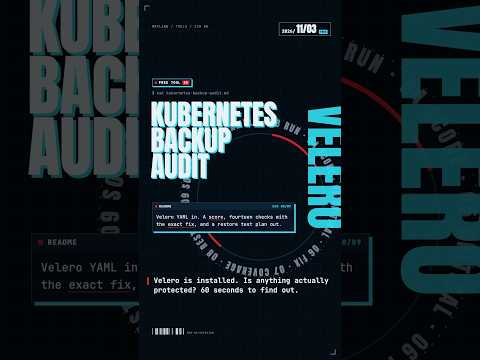
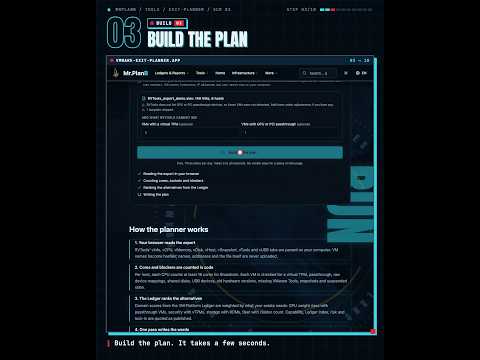
A tool walkthrough is a short video that shows a free tool doing one job, from the question a user arrives with to the result on screen. A tech company should make one when it launches a calculator, readiness check, planner or audit as a lead magnet, because a visitor wants to see what the tool returns before typing anything in. One question per video.
When to use it
| Who | The situation | Why this style fits |
|---|---|---|
| Demand generation team | A new free assessment, such as a readiness report or an exit planner, goes live and needs a launch post. | Opening on the visitor's question and ending on the result shows the value in about a minute, which a screenshot of the form cannot. |
| Sales development rep | Following up with a prospect who mentioned a specific worry, such as a renewal quote or an untested backup. | A tool video that starts with that exact worry is a relevant reason to write back, and the tool does the first round of qualifying. |
| Partner manager | Resellers want something useful to offer their customers before a sales conversation starts. | A free check that partners can share, with a video showing how to use it, gives them an opening that is not a pitch. |
| Owner of a tool landing page | Visitors reach the tool page but leave without starting it. | A short video at the top shows the input and the output, so a visitor knows what they will get for the effort. |
| Customer success manager | Customers do not know about a free planner or audit that would head off a common support case. | A one-minute walkthrough in an onboarding email or a help article points them to it at the moment it matters. |
Examples
 1:32
When to use something else
- Proving the result is right. A tool video shows what the tool returns, not that the advice works on a real system; a verified walkthrough is the better choice when the task itself has to be run and checked.
- A full product with many workflows. Keep one video per job, and for a whole product use a short course series.
- A tool whose interface changes every week. The video ages with every visible change; wait until the interface settles.
What goes into one
- About one minute, vertical for social, with a landscape cut for the tool page itself.
- From you: the tool's link or a test account, and one realistic question to put into it.
- A fixed order: the question, the inputs, the result and what to do next.
- Sample values only in the inputs, never personal or customer data.
- Captions on screen, narration optional, in the languages you ask for.
How we make it
- Send the tool link and the one question a typical visitor brings to it.
- We script the run: the question as the hook, the inputs, and the result as the payoff.
- We capture the tool with sample inputs and design the frames around it.
- Vertical and landscape MP4s arrive within two days.
Questions
How do you promote a free online tool with video?
Show one person's question going in and the answer coming out, in about a minute. Lead with the question, because that is what a viewer recognises in themselves, not the tool's name. Post it where that question gets asked, put the same video at the top of the tool page, and make another for each distinct question the tool answers.
Should a free tool video show the whole interface?
No. Show the inputs that matter for this question and skip the rest. A tour of every field turns a one-minute answer into a manual. If the tool has several jobs, make several videos, each named after its question, so a viewer can find the one that matches their problem.
Is a tool walkthrough the same as a product demo?
It is a narrow kind of one. A tool walkthrough follows a single question to a single result on a free tool, usually a lead magnet. A product demo covers a paid product and its main workflows for a buyer. Both show software, but neither proves the outcome in the real world unless the run behind it is checked.
Related styles
- Course series, one topic per episode: Teaching a process in ordered steps
- Data chart shorts in one minute: One sourced market number worth posting
- Explainers that answer one question: Answering one recurring buyer question
- All 99 video examples by style
Want this style for your product? Send one product and one topic. The first sample is free.
$ get-sample →