Course series, one topic per episode
A short course video series cuts a step-by-step topic into short episodes, one decision or step each, watched in order. A software or hardware company should use one when customers or partners must learn a process with several decision points, such as installing, sizing or choosing hardware, and one long video would bury the step they came for. Each episode answers one question.
When to use it
| Who | The situation | Why this style fits |
|---|---|---|
| Customer education or academy team | New customers must install and configure the product, and the written guide is long. | One episode per step lets an admin jump to the decision they are stuck on, such as which file system to choose. |
| Partner enablement | Resellers need to pass a basic certification before they can sell or install the product. | A numbered series gives partners a path to follow at their own pace, with each episode short enough for the gap between meetings. |
| Hardware vendor pre-sales | Buyers keep asking which model, interface or generation to buy. | A buying-guide episode sits early in the series and leads straight into the setup episodes that follow the purchase. |
| Developer relations | A growing open-source user base needs the fundamentals before it can use the advanced features. | Short episodes on the basics give beginners a starting point before they reach the deep dives. |
| Support team | The same first-login and post-install questions arrive from every new customer. | Linking the exact episode in a reply answers the question and shows the customer the next step in the series. |
Examples
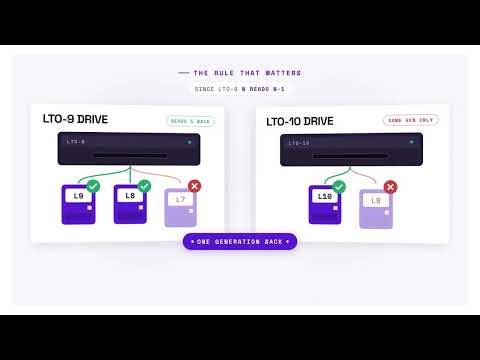 1:39
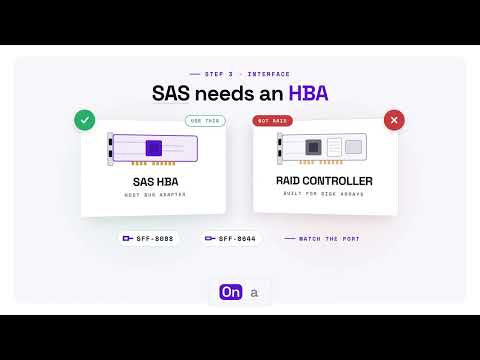 1:44
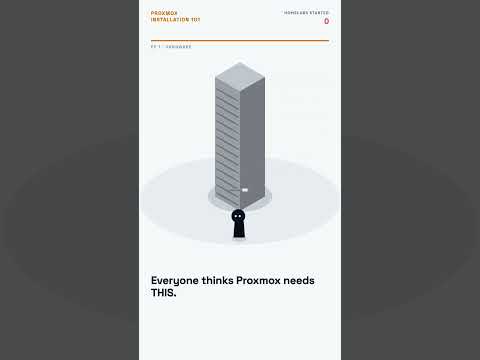 1:00
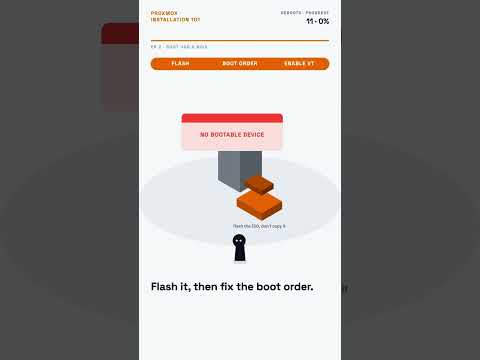 1:00
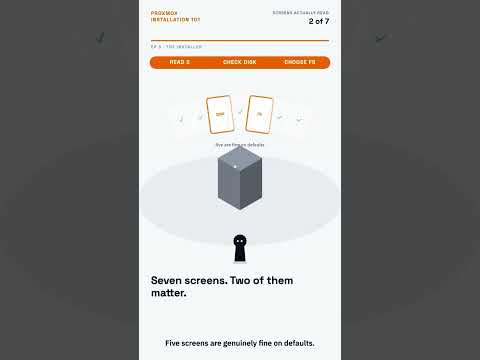 1:00
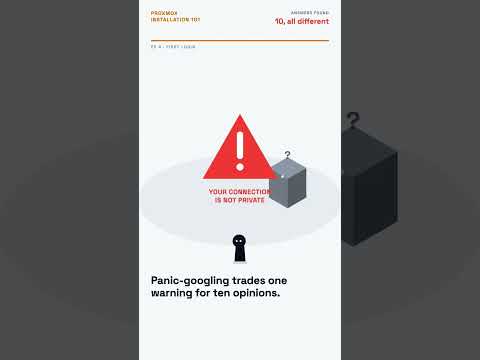 1:00
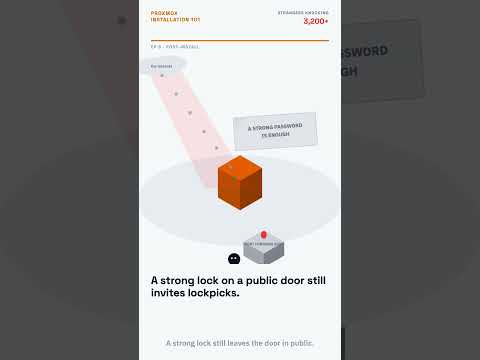 1:00
When to use something else
- Steps that must match the current release screen for screen. A designed episode can drift from the product; a verified walkthrough is the better choice there, because it is recorded on the real version, as in the Proxmox VE 9.2 install.
- Troubleshooting with long command output. A minute is too short; use a technical deep dive.
- A single, isolated question. A one-off answer does not need a series; an explainer is enough.
What goes into one
- Five or more episodes of about one to two minutes, in a fixed order with a shared title format.
- Vertical for a Shorts playlist, landscape for an academy or help centre, or both.
- From you: the process as your team teaches it, the version it applies to, and the common mistakes at each step.
- The product version named in each episode, so viewers know when it applies.
- Narration and captions in the languages you ask for.
How we make it
- Send the process and the version, or the guide your team already uses.
- We split it into episodes at each decision point and write one script per episode.
- You check the scripts against the current release.
- We produce the series with consistent titles and numbering, ready for a playlist.
Questions
How long should a training video episode be?
As long as one step or decision takes to explain, which for a beginner course is often about a minute. If an episode covers two decisions, split it. Short episodes also make updates easier: when one step changes in a new release, you replace that episode instead of re-cutting a long recording.
Is a video course better than written documentation?
They do different jobs. Written docs are easier to search, copy from and update; a video course is easier to follow for a first install or a choice between options. Most teams need both, with each episode linking to the matching page. Our note on video, text and screenshots in documentation compares them.
How do you keep a video course up to date?
Name the product version in every episode, keep one step per episode, and check the series against each major release. When a step changes, replace that episode only. For steps that change often, a recording on the real product that re-runs after each release is safer; see keeping product videos up to date.
Related styles
- Technical deep dives for engineers: Engineers evaluating, upgrading or troubleshooting
- Tool walkthroughs, from question to result: Launching a free tool or lead magnet
- Explainers that answer one question: Answering one recurring buyer question
- All 99 video examples by style
Want this style for your product? Send one product and one topic. The first sample is free.
$ get-sample →