Technical deep dives for engineers
A technical deep dive is a long-form video for engineers, usually six to nine minutes, with commands on screen, versions named and limits stated. An infrastructure or developer tools company should make one when a technical audience asks a hard question, such as whether something scales, why an upgrade broke, or what a vulnerability report means, and a marketing summary would be dismissed.
When to use it
| Who | The situation | Why this style fits |
|---|---|---|
| Developer relations | A security report about the platform is circulating, and users ask whether they are affected. | A calm deep dive on what was found, what is and is not affected, and what to patch answers engineers in their own terms. |
| Solutions engineering | Enterprise prospects doubt the product works at their scale. | An analysis of where the limits really are gives the evaluating engineer the answers they would otherwise have to find in testing. |
| Support or documentation team | A major version upgrade breaks a common configuration, and the same ticket starts arriving daily. | A video that names the version, shows the symptom and walks through the fix can be linked from every reply and from the release notes. |
| Product marketing for an infrastructure product | A feature such as live migration or replication is a reason to buy, but only engineers can judge it. | Showing the commands, the settings and the limits lets the engineer judge it, and gives marketing a link for technical buyers. |
| Community or social team | Needs a way to point engineers at a long video from a feed built for short ones. | A 30-second cut of one point from the deep dive, such as a common misconception it corrects, sends viewers to the full version. |
Examples
 8:26
 8:14
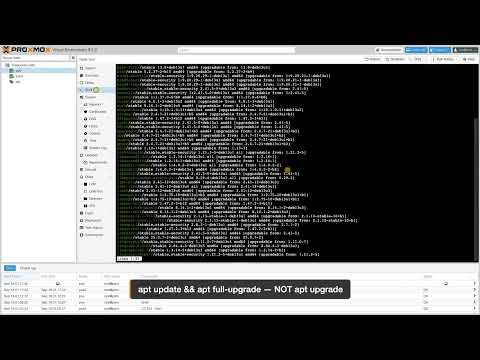 6:34
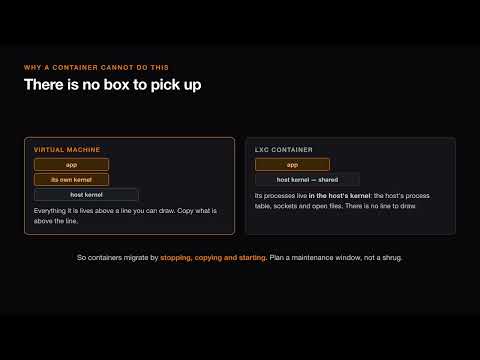 6:34
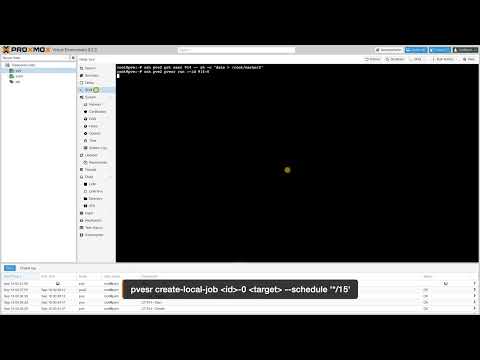 6:12
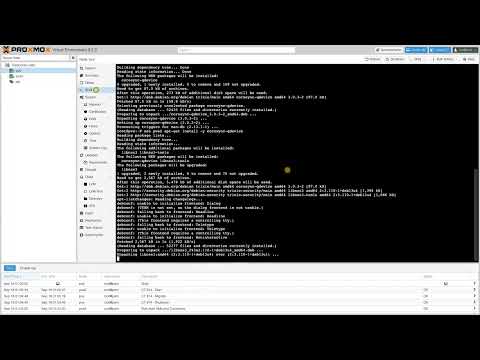 5:57
 8:54
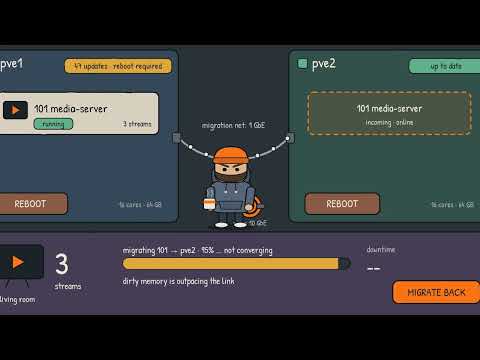 0:30
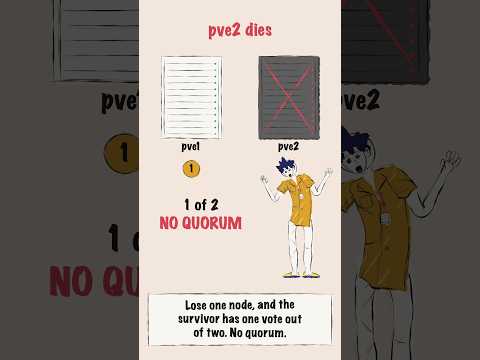 0:35
When to use something else
- Executives and buying committees. Commands mean little to them; give them an explainer.
- Commands a viewer will run in production on the current release. A designed deep dive explains them; a verified walkthrough is the better choice there, because it records them running on the named version, failures included.
- Beginners. Start them on a short course series.
What goes into one
- Usually six to nine minutes, landscape 16:9, with chapters; a 30-second vertical cut for promotion.
- From you: the question, the product version, the commands or configuration involved, and the known limits.
- Commands and output shown on screen as legible text.
- Sources linked in the description: release notes, documentation and advisories.
- Narration and captions in the languages you ask for, with commands left exactly as written.
How we make it
- Send the question and the version, with your engineers' notes or the relevant documentation.
- We write a technical script with the commands, the claims and the limits, and your engineer reviews it.
- We produce it with commands on screen, chapters and narration.
- You get the full video, captions and a short cut for promotion.
Questions
How long should a technical tutorial video be?
As long as the topic needs and no longer. A single procedure, such as adding a quorum device to a two-node cluster, fits in about six minutes. An analysis of scale or of a security report needs eight or nine. Add chapters to anything past about five minutes, so an engineer can skip to the part that matches their problem.
Should a technical video show the limits of the product?
Yes. Engineers will find the limits in testing anyway, and a video that names them first is easier to trust. State the version, the conditions under which something works, and what it does not do. A deep dive that sounds like a brochure loses an engineering audience quickly, and the next video from the same channel starts with less goodwill.
Can a deep dive be made without filming our engineers?
Yes. A designed deep dive uses narration, diagrams and commands on screen, with your engineer reviewing the script rather than presenting it. That suits teams whose experts are short of time. If the video has to show the commands running on your real product, we record that as a verified walkthrough instead, which is a different kind of video.
Related styles
- Course series, one topic per episode: Teaching a process in ordered steps
- Incident stories that teach the fix: Selling prevention through a familiar failure
- Tool walkthroughs, from question to result: Launching a free tool or lead magnet
- All 99 video examples by style
Want this style for your product? Send one product and one topic. The first sample is free.
$ get-sample →