
Instructional Video Production for Software: Training and Educational Videos That Stay Correct
Instructional video production for software is mostly a maintenance problem. Making a training video is the easy part; keeping it correct after the next release is the hard one. This page covers what an instructional video needs, how production usually works, and how to keep a training library in step with the product.
Part of our guide to Product Video for Software Companies.
Instructional video production for software means making training, tutorial and educational videos that teach people to use a product: customers learning a feature, new staff learning an internal tool, partners learning to install it. The recording is the easy part. The hard part is that software changes every release, and an instructional video is only correct on the version it was recorded against.
So the useful questions are less about cameras and more about scope, versions and upkeep: what each video should cover, what it must show, and how you find the ones a release just broke. This page answers those, using a real walkthrough from our library as the example.
What is instructional video production?
Instructional video production is planning, recording and publishing videos whose job is to teach a viewer to do something. For software that usually means a screen recording of a real task, with narration, captions and written steps beside it. It differs from marketing video production in its measure of success: the viewer finishes the task, rather than clicks a button.
What makes a good instructional video for software?
One task per video, the starting state and prerequisites shown before the first click, every step on screen at a pace a viewer can follow, a result the viewer can see at a moment they can name, the common mistake and its fix, written steps beside the video, and the product version stated. Each of those is something a viewer checks against their own screen.
- One task. A video that covers a whole feature area becomes a course, which is a different product.
- The version on screen. Without it a viewer cannot tell whether the video matches what they see.
- The failure kept. Viewers search for the error message, not the happy path.
- Written steps beside the video, so nobody has to scrub to find a setting.
Instructional video example
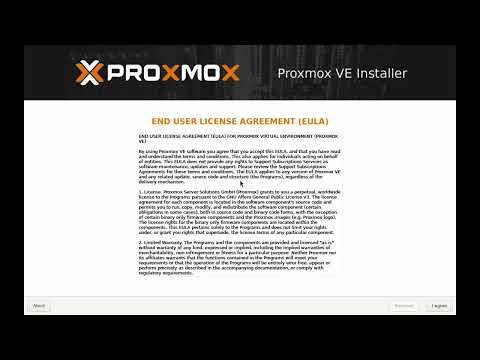
The Proxmox VE 9.2 install in our library is an instructional video for one task: installing Proxmox VE 9.2 from a blank machine to a working web interface. It runs 7:50, stops on every installer screen, states the version, and keeps two failures with their fixes: expecting the installer to keep the existing operating system, and a finished install whose web interface cannot be reached because of the network screen.
 7:50
7:50
How is educational video production done for software?
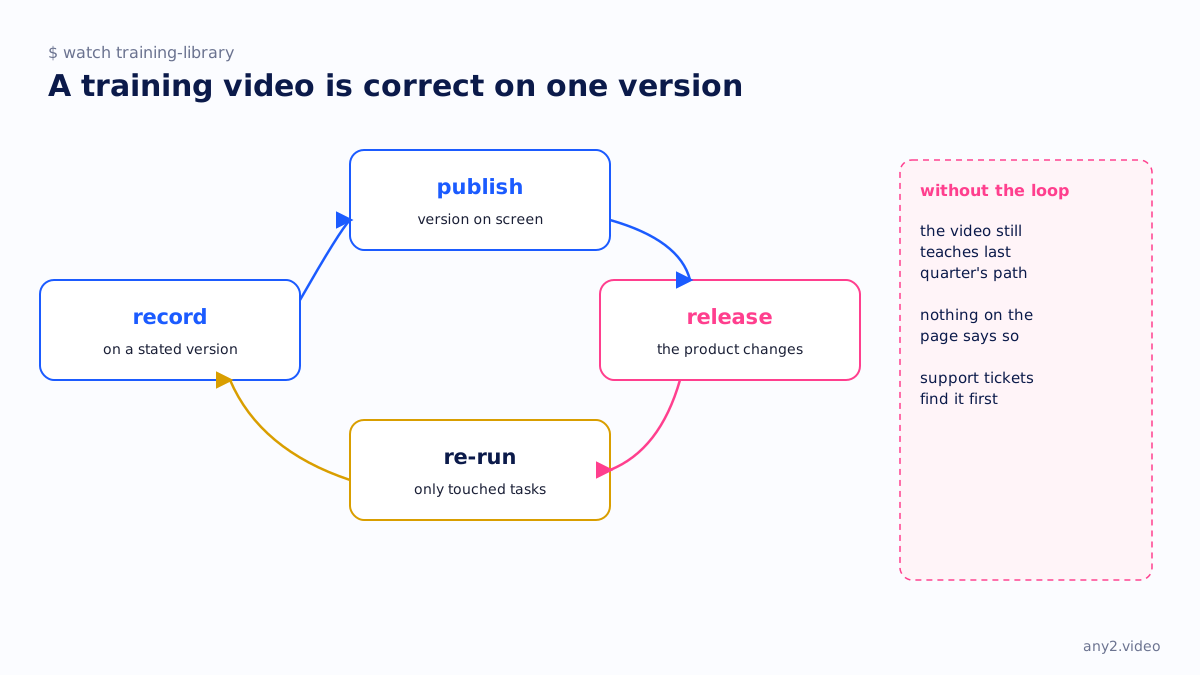
Usually one of three ways. A training or customer education team records in house with a screen recorder, which is quick to start and slow to maintain. An agency produces a polished course, which looks good on launch day and ages with the next release. Or the tasks are run and recorded on the real product with the version tracked, so a release triggers a re-run of only the videos it touched. Our comparison of screen recorders for software demos covers the in-house tools.
Training video, tutorial, how-to: what is the difference?
A how-to video covers one task from start to finish. A tutorial teaches a skill or feature over several tasks. A training video is the umbrella term, usually for a series aimed at a role, such as administrators or support agents. For new users specifically, onboarding videos are the training videos that go stale first, because they show the screens product teams redesign most.
How do you keep training videos up to date?
Record the product version in every video, keep a list of which tasks each video covers, and when a release ships, re-run only the tasks its changelog touched. A clean re-run republishes; a failed one tells you a documented path broke, often before a customer does. The video content marketing plan template has a version column for exactly this.
Training library behind the product? Send us one task and we will record it on the current version, with the version shown. The first sample is free.
$ get-sample →